JavaScript Rendering
for Data Visualization
Text input
Type something. Try both renderers.
Source code
import {
  Border, BorderRadius, BoxDecoration, Center, EdgeInsets,
  Padding, TextEditingController, TextField, TextStyle,
} from "flitterjs";

export default function TextInput(controller?: TextEditingController) {
  return Padding({
    padding: EdgeInsets.all(24),
    child: Center({
      child: TextField("Make it yours.", {
        controller,
        ariaLabel: "Try typing here",
        width: 480,
        height: 32,
        padding: EdgeInsets.all(18),
        style: new TextStyle({
          fontFamily: "sans-serif", fontSize: 24, color: "#3b82f6",
        }),
        decoration: new BoxDecoration({
          border: Border.all({ color: "#3b82f6", width: 1 }),
          borderRadius: BorderRadius.circular(12),
        }),
        focusedBorder: Border.all({ color: "#3b82f6", width: 2 }),
      }),
    }),
  });
}
Built with Flitter
Charts
Flutter's API, written in JavaScript
FlutterDart
import 'package:flutter/material.dart';

Widget profileCard() {
  return Container(
    padding: EdgeInsets.all(20),
    decoration: BoxDecoration(
      color: Colors.grey[200],
      borderRadius: BorderRadius.circular(10),
      boxShadow: [
        BoxShadow(
          color: Colors.grey.withOpacity(0.5),
          blurRadius: 7,
          offset: Offset(0, 3),
        ),
      ],
    ),
    child: Column(
      children: [
        Text('John Doe', style: TextStyle(fontSize: 18, fontWeight: FontWeight.w500)),
        Text('Software Developer'),
        Text('john.doe@example.com'),
      ],
    ),
  );
}FlitterJavaScript
import { BorderRadius, BoxDecoration, BoxShadow, Column, Container, EdgeInsets, Text, TextStyle } from "flitterjs";

function profileCard() {
  return Container({
    padding: EdgeInsets.all(20),
    decoration: new BoxDecoration({
      color: "#EEEEEE",
      borderRadius: BorderRadius.circular(10),
      boxShadow: [
        new BoxShadow({
          color: "rgba(158, 158, 158, 0.5)",
          blurRadius: 7,
          offset: { x: 0, y: 3 },
        }),
      ],
    }),
    child: Column({
      children: [
        Text("John Doe", { style: new TextStyle({ fontSize: 18, fontWeight: "500" }) }),
        Text("Software Developer"),
        Text("john.doe@example.com"),
      ],
    }),
  });
}
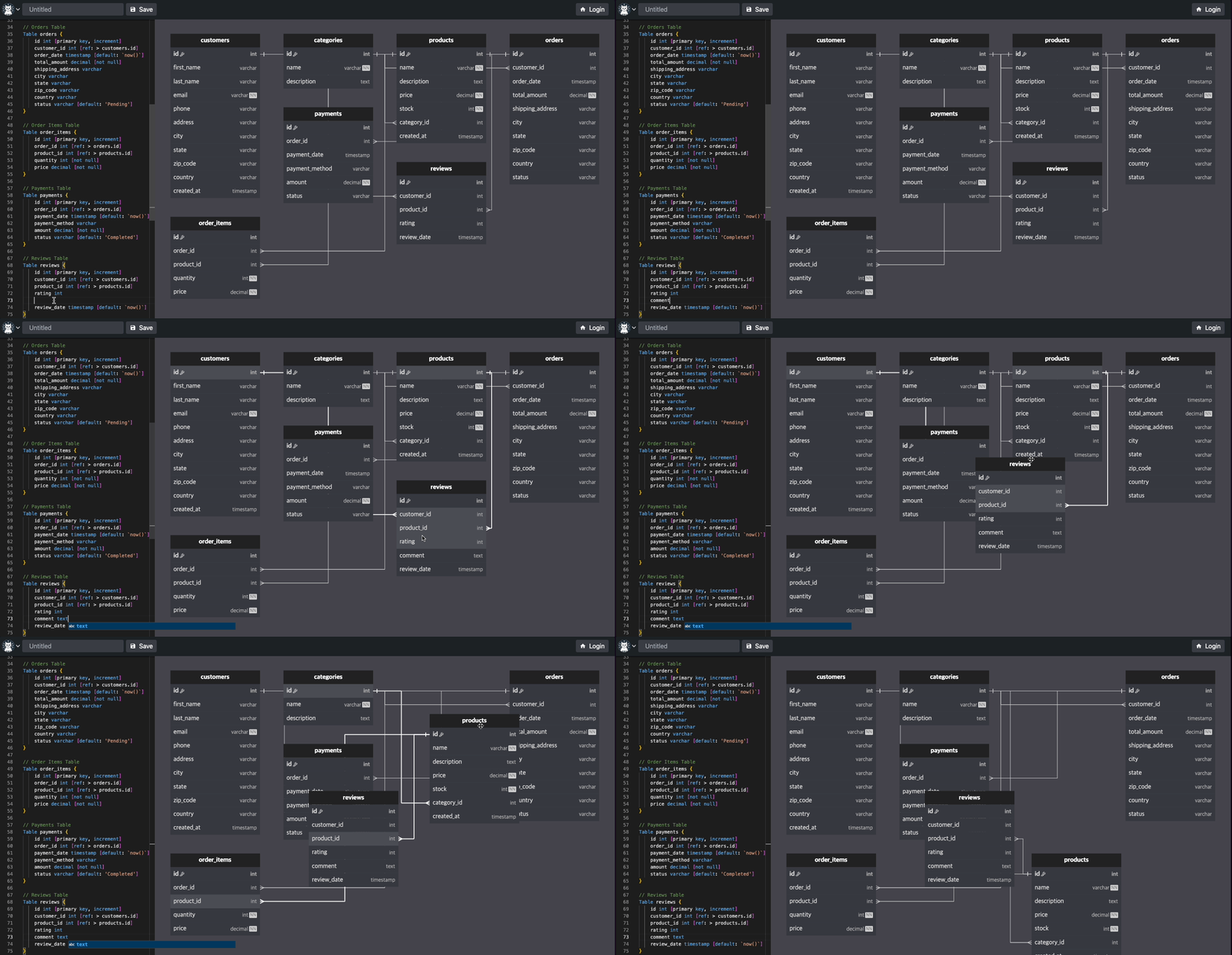
Running in production at easyrd.dev
Daeseung Moon
 Also by Daeseung: ssgoi